 CAD / CAE Software & Engineering
SimSolid structural simulation for CAD assemblies
Analyze full assemblies straight from CAD, without simplifying geometry or building a mesh. Results arrive in seconds to minutes, so you can test more design options.
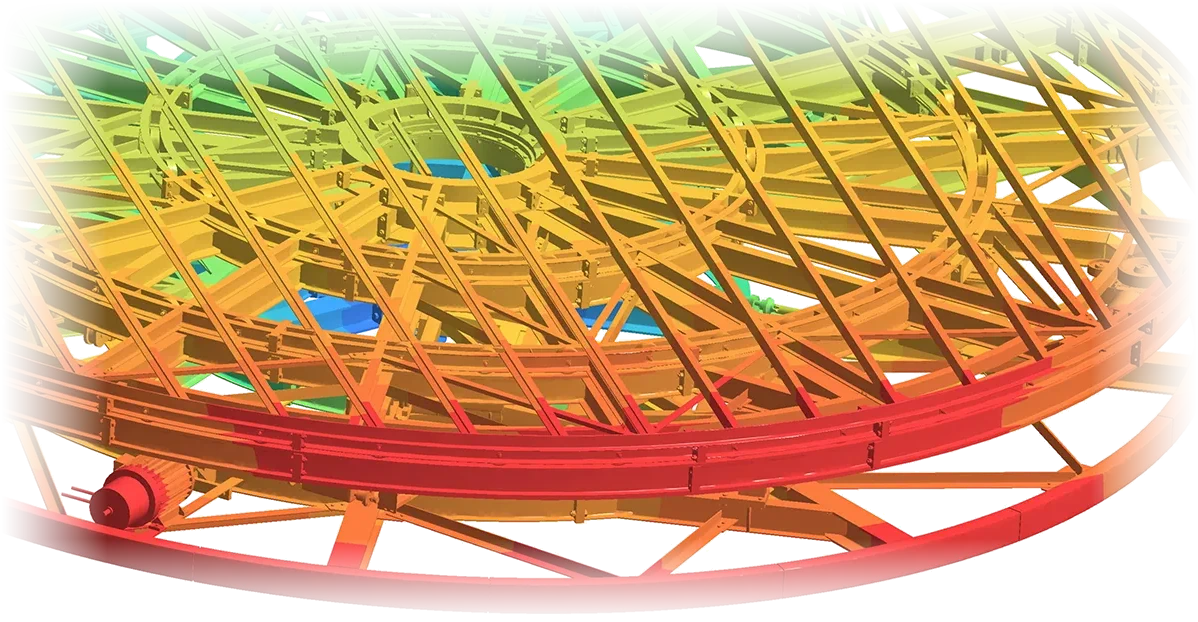
How SimSolid is different
Traditional FEA needs geometry simplification and meshing before the first result. SimSolid skips both.
- No meshing
- SimSolid works on the CAD geometry itself. Its engine extends the finite element method with external approximations, with degrees of freedom tied to volumes and surfaces instead of mesh nodes.
- No geometry simplification
- Small holes, fillets and bosses can stay in the model. CAD with small gaps or overlaps between parts can still be analyzed.
- Full assemblies on a desktop
- Assemblies with hundreds to thousands of parts run on a standard laptop or desktop PC.
- Adaptive accuracy
- Several solution passes with error estimation refine the result automatically.
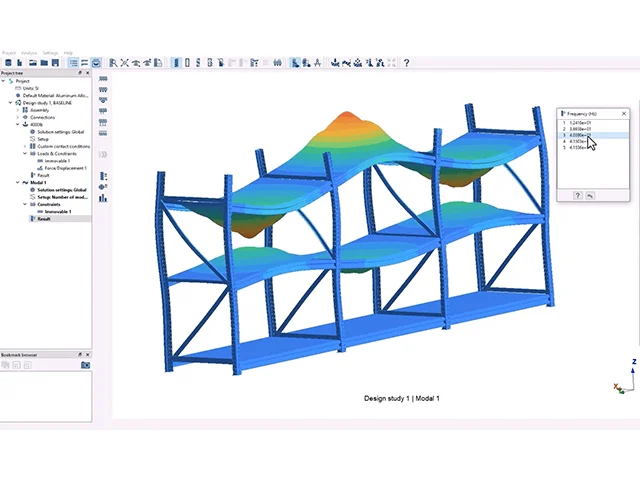
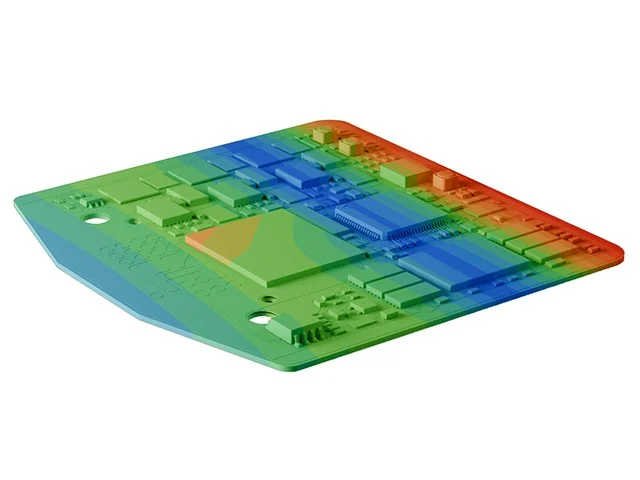
Analysis types
- Linear static
- Nonlinear static
- Modal
- Linear buckling
- Frequency response
- Transient
- Random response
- Thermal and thermal-stress
- Inertia relief
- Fatigue
- Composites
- Squeak and rattle
Assemblies and connections
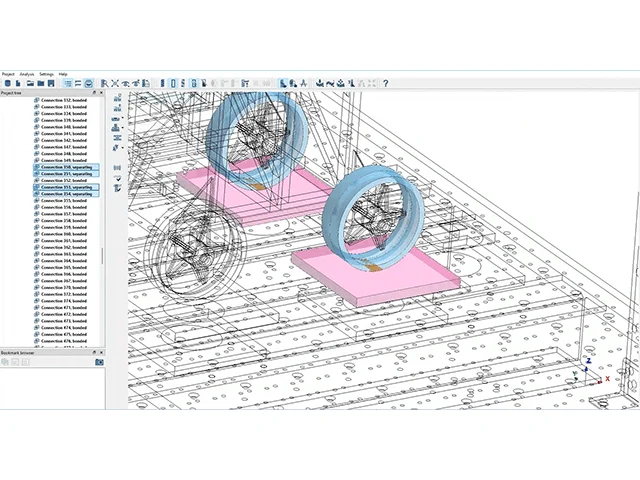
Contacts between parts are detected automatically. Bolts, spot and seam welds, bonded and sliding contacts can be defined between parts, so a welded frame or bolted machine can be analyzed as one assembly.
Application areas
- Machinery and equipment
- Frames, bases and housings of industrial machines.
- Automotive
- Components, brackets and sub-assemblies.
- Welded steel structures
- Frames, racks and fabricated structures.
- Early design checks
- Designers check stiffness and stress while the CAD is still changing.
Engineering benefits
- Answers during design
- Check a design change the same day, not after a meshing job.
- Less pre-processing
- No defeaturing, no mesh, no mesh convergence study.
- More options tested
- Fast runs make it practical to compare many variants.
- Works with your CAD
- Import geometry from common CAD formats.
About the name
Part of Siemens
SimSolid was developed by Altair, which became part of Siemens in 2025.
New product name
SimSolid is now called Simcenter SimSolid. The technology is the same.
Product information from public sources by Altair, a Siemens business.
Talk to a Softprint engineer about SimSolid
See also HyperWorks · ThinkDesign · Inspire Form · InsightPro.