 CAD / CAE Software & Engineering
HyperWorks CAE simulation platform in Thailand
Model, simulate and optimize products in one platform, from meshing and structural analysis to crash, forming and design exploration, with training and support from Softprint.
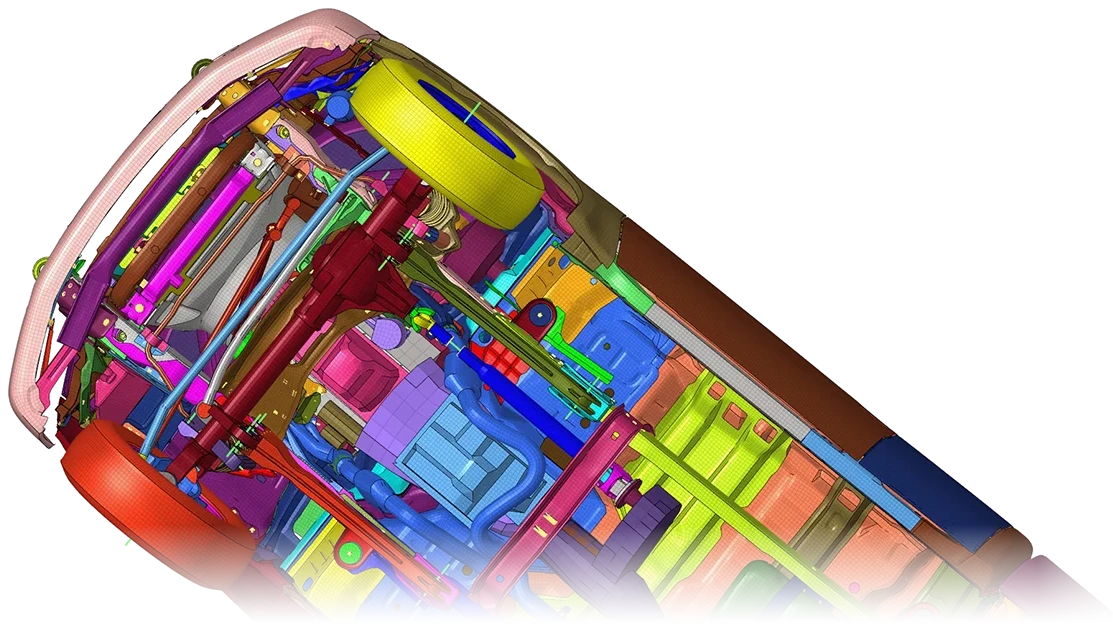
What HyperWorks covers
HyperWorks is a family of CAE tools that share one environment and one licensing pool. These are the tools engineering teams use most.
- HyperMesh: modeling and meshing
- Prepares CAD for analysis: geometry clean-up, shell and solid meshing, connections and load cases, for a wide range of solvers.
- OptiStruct: structural analysis and optimization
- Linear and nonlinear structural FEA, NVH and durability, plus topology, topography, size and shape optimization for lighter and stiffer parts.
- Radioss: crash, impact and drop
- Explicit dynamics for crash, impact, drop tests and other short, high-energy events.
- Inspire: simulation-driven design
- Generative design and topology optimization that designers can use early, before detail design starts.
- Manufacturing simulation
- Inspire Form checks sheet metal forming feasibility and blank size. Inspire Cast, Mold and Extrude cover casting, injection molding and extrusion.
- HyperView and HyperGraph: results
- Post-processing for contours, animations, plots and reports, across solvers.
- HyperStudy and PhysicsAI: design exploration
- HyperStudy runs design of experiments, optimization and stochastic studies. PhysicsAI learns from your past simulation results to give fast predictions for new designs.
- Beyond structures
- Fluid flow (AcuSolve), electromagnetics (Flux, Feko) and system simulation are part of the same platform.
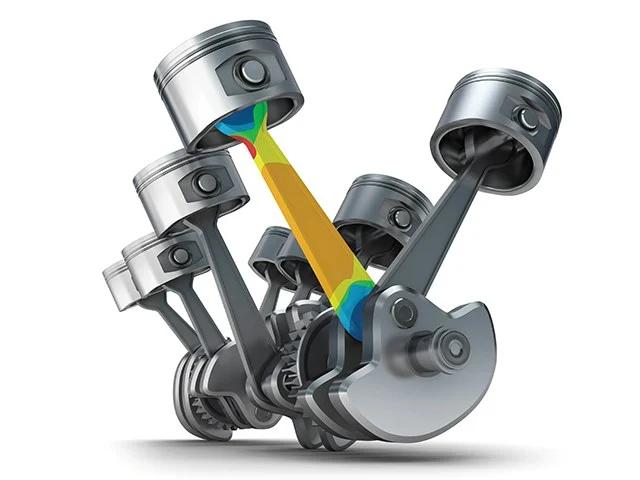
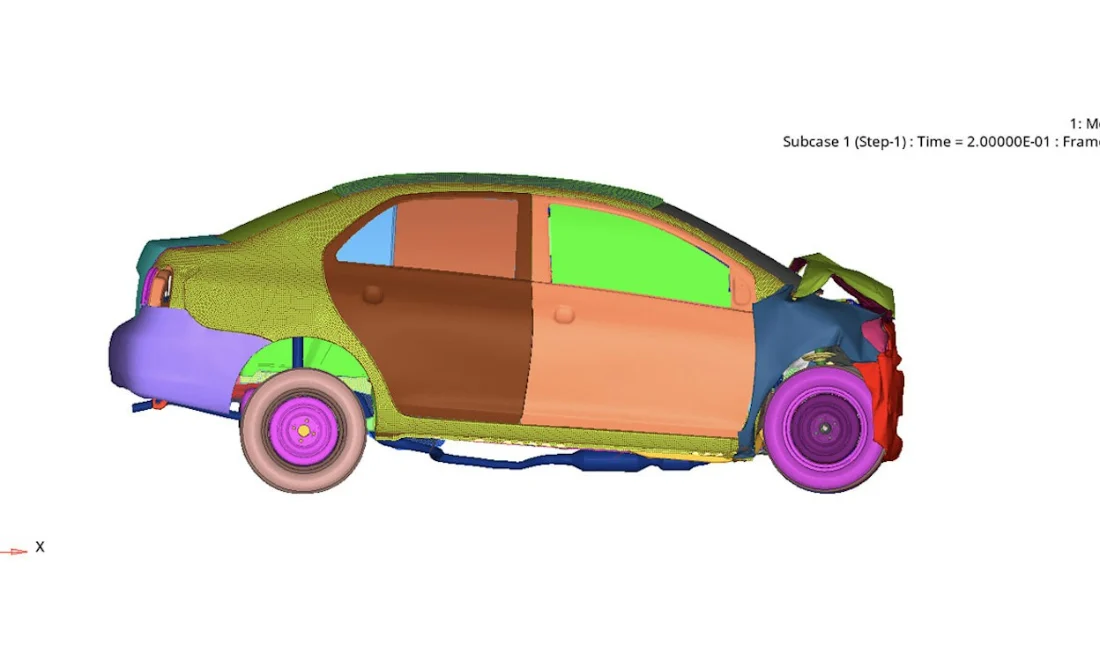
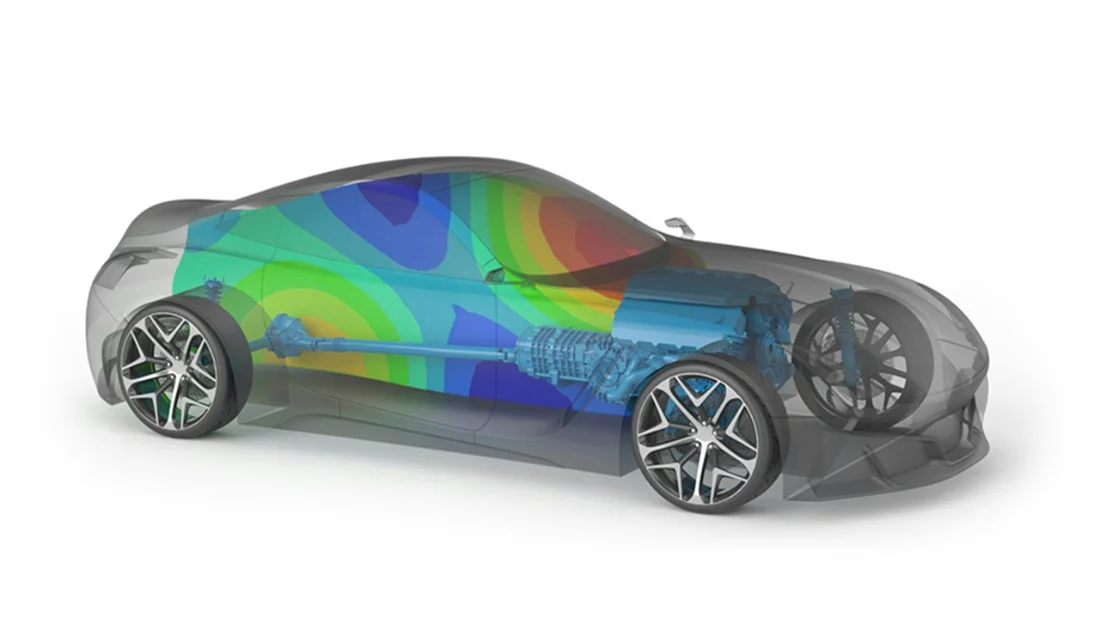
One license pool
HyperWorks uses units-based licensing. Units are drawn from a shared pool while a tool runs and returned when it closes, so one license gives a team access to many tools.
Application areas
- Automotive and transport
- Body structures, components, crash, NVH and durability.
- Machinery and equipment
- Frames, housings and mechanisms.
- Sheet metal and tooling
- Forming feasibility, blank size and tool loads.
- Electrical and consumer products
- Housings, drop tests and electromagnetic devices.
Engineering benefits
- Fewer physical prototypes
- Test load cases and design changes on the computer first.
- Lighter, stronger parts
- Optimization finds where material is needed and where it is not.
- One environment
- Pre-processing, solvers and post-processing share the same platform and license.
- Faster decisions
- Design exploration and AI predictions narrow the options early.
About the name
Part of Siemens
Altair became part of Siemens in 2025. Siemens describes the change as naming, packaging and integration.
New product names
HyperWorks tools now carry Simcenter names, for example Simcenter HyperMesh, Simcenter OptiStruct and Simcenter Radioss.
Same workflows
Existing models, scripts and training remain relevant.
Ask us
We can explain which tools and license size fit your work.
Product information from public sources by Altair, a Siemens business.
Talk to a Softprint engineer about HyperWorks
See also SimSolid · ThinkDesign · Inspire Form · InsightPro.